Wacky Steps is a funny physics walking game about balance, timing, and messy movement. Instead of running smoothly from left to right, every step feels unstable, so players need to control the rhythm and keep the character upright. The fun comes from small mistakes: a step that lands too early, a lean that goes too far, or a recovery that turns into another stumble. This page gives players a direct way to play Wacky Steps online, with a clear start button, a large browser game frame, a reload control, and fullscreen support for a more focused session.
Embedded browser game with fullscreen play
Wacky Steps
Play Wacky Steps directly in a browser window, use the lower-right fullscreen control, leave anonymous comments, and discover ten random related games after your session.
A funny physics walking game with wobbly legs and balance challenges.
Play Wacky Steps instantly in the browser with no download, install, or account required.
Use the fullscreen button in the lower-right corner for a larger walking challenge.
Read practical tips about balance, timing, controls, and replaying tricky sections.
Leave anonymous comments and discover more browser games after your run.
Guide for Wacky Steps
This guide gives players enough detail to understand the embedded game page, fullscreen behavior, community features, and recommendation area.
Press Start playing and Wacky Steps loads inside the page. The game is designed for quick browser access, so you do not need to download files or create an account before trying it. On desktop, the wide play area gives you more room to watch the character's posture and react to each step. On phones and tablets, the page keeps the game frame responsive and leaves the main controls easy to reach. If the embedded game takes too long to load, the reload button lets you restart the session without leaving the page.
The key to Wacky Steps is patience. Watch how the character shifts weight, then make smaller adjustments instead of rushing every step. If the character starts leaning too far, slow down and recover before pushing forward again. Fullscreen mode can help because the larger view makes the balance changes easier to notice. New players should expect a few falls at the beginning; the challenge is learning the rhythm and improving a little each run. That simple loop makes Wacky Steps easy to start but satisfying to replay.
The anonymous comment area lets visitors discuss Wacky Steps without creating an account. A nickname is optional, and comments are limited so the page stays readable. Players can leave quick notes about difficult moments, loading behavior, funny falls, or tips that helped them move farther. The recommendation grid shows ten random related browser games from a larger list, making the bottom of the page useful after a player finishes a session or wants a different browser game. Together, comments and recommendations make the page more useful than a single embedded frame.
People searching for Wacky Steps usually want three things: a working play button, a short explanation of the game, and enough guidance to understand how to improve. This page keeps those needs together. The game area appears near the top, the guide explains the balance-based gameplay in plain language, and the FAQ answers common questions about playing online, fullscreen mode, downloads, and mobile access. The content is written for real visitors first, while also giving search engines a clearer understanding of the page topic.
On desktop, Wacky Steps benefits from the large 16:9 play window and the browser fullscreen API. On mobile, the page keeps the frame responsive so the game remains touch friendly when the browser supports it. The header collapses naturally, the cards stack cleanly, and the comments form keeps input fields large enough for thumbs. If the embedded game provider changes loading behavior, the start overlay and reload control still give players a clear path. This matters because casual game visitors often arrive from search results, social links, bookmarks, and returning sessions on different devices.
A useful game landing page should make every action obvious without forcing visitors through clutter. The first screen explains what the player can do, the primary button starts Wacky Steps, and the surrounding controls stay close to the game frame. The content below the player is arranged for real reading rather than thin keyword filler. It covers access, controls, balance tips, device comfort, community posting, related game discovery, and practical troubleshooting. That structure helps new visitors understand the page before they press start, while returning visitors can skip directly to the play window. Extra spacing, readable line lengths, direct buttons, predictable section order, stable card sizing, and clear form labels also make the layout easier to scan for visitors who arrive from search results and want to understand the page before launching anything.
Want a more detailed walkthrough? Read the step-by-step How to Play guide →
Gameplay Video
Watch a short Wacky Steps gameplay video to understand the balance, timing, and funny walking style before you start playing.
Video source: YouTube gameplay video
Game Screenshots
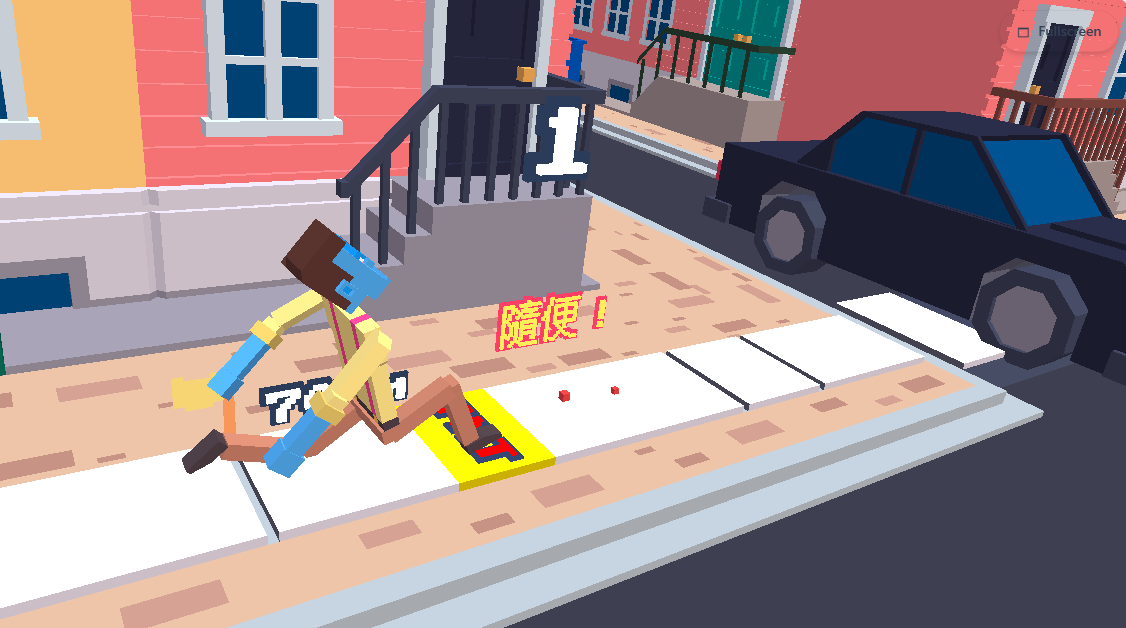
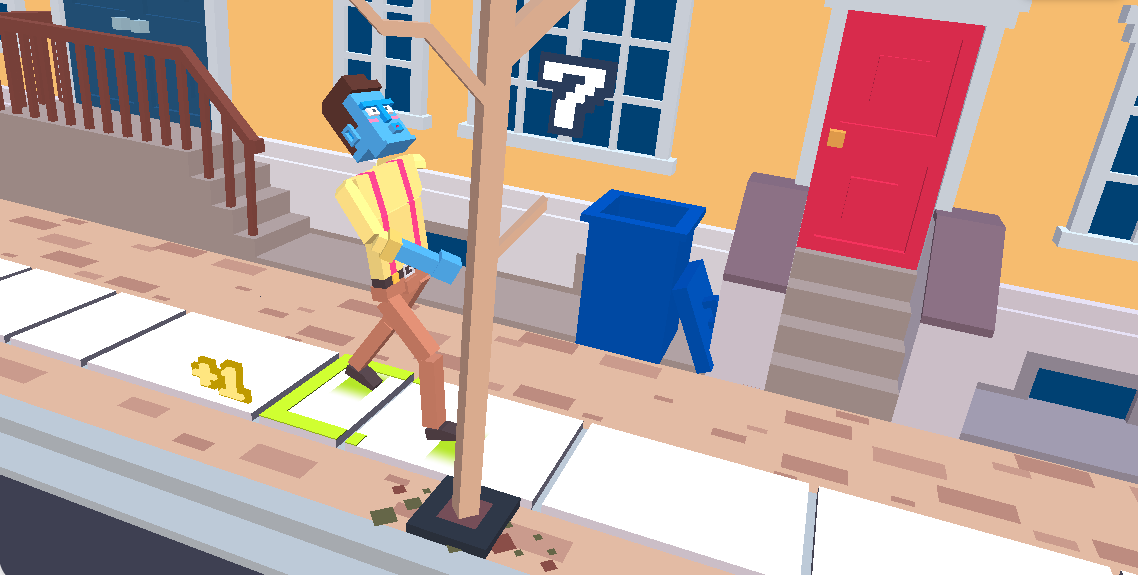
These screenshots show the look and feel of Wacky Steps, including the playful physics movement and browser game presentation.
Recommended Games
Ten random related browser games are shown with game images and names.


Anonymous Comments
Share a quick thought about Wacky Steps. No account is required.
No comments yet.
FAQ
Can I play Wacky Steps here?
Yes. Press the start button and Wacky Steps loads inside the page player.
Does Wacky Steps support fullscreen?
Yes. The lower-right button requests fullscreen for the player window when the browser allows it.
Do I need to download Wacky Steps?
No. The game runs in the browser, so you can start from this page without installing extra files.
Can I play Wacky Steps on mobile?
Yes, the page is responsive and can be opened on supported mobile browsers.
Do I need an account to comment?
No. The comment form is anonymous, and a nickname is optional.
Where do the recommended games come from?
The recommendation cards use external browser game links, names, and image resources.
More questions? See the full How to Play guide →